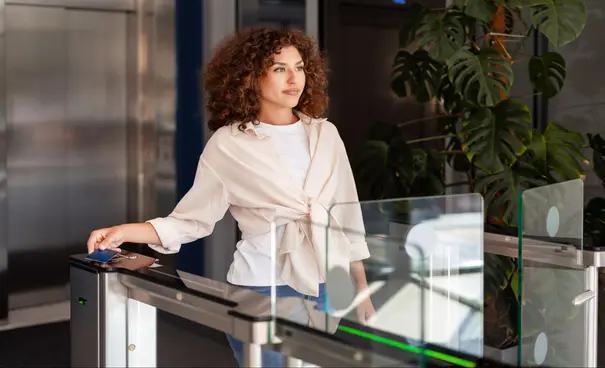


Do foot traffic from vendors, contractors, and suppliers sometimes outweigh employee foot traffic at your facility? Add client meetings and interviews, and visitor tracking becomes even more complex. Did they go where they were supposed to? Were they authorized to access coworking spaces, server rooms, or restricted corridors?
Securing your staff, assets, and facilities starts with knowing exactly who is on your premises and why. That is one reason digital visitor management is replacing traditional paper logs and ad hoc access passes across North America.
Fortune Business Insights reports that the global visitor management system market was valued at USD 2.16 billion in 2025 and is expected to grow from USD 2.45 billion in 2026 à USD 6.77 billion by 2034. The report also notes that North America accounted for 38% of the global market, highlighting the region’s importance in visitor management adoption.
This guide covers what you need to know about visitor management system software in 2026, including how it works, what features matter most, which industries benefit most, and how to choose the right solution for your organization.
| Quick Answer: A visitor management system is software that digitally identifies, authorizes, tracks, and logs visitors entering a facility. It replaces paper sign-in sheets with automated workflows that can integrate with access control, video surveillance, and compliance processes. |
Who this guide is for?
This guide is written for professionals responsible for facility security, operations, compliance, and workplace experience. It is especially relevant for:
- Security managers and directors evaluating digital alternatives to manual visitor logs.
- Facility and operations managers seeking a smoother and more controlled check-in process.
- IT and physical security teams assessing integration with access control and video systems.
- Compliance and risk leaders who need auditable visitor records.
- Business owners and HR teams at growing organizations where unmanaged visitor access is becoming a risk.
If your role involves deciding how people enter, move through, and exit a facility, this guide is for you.
What is a visitor management system?
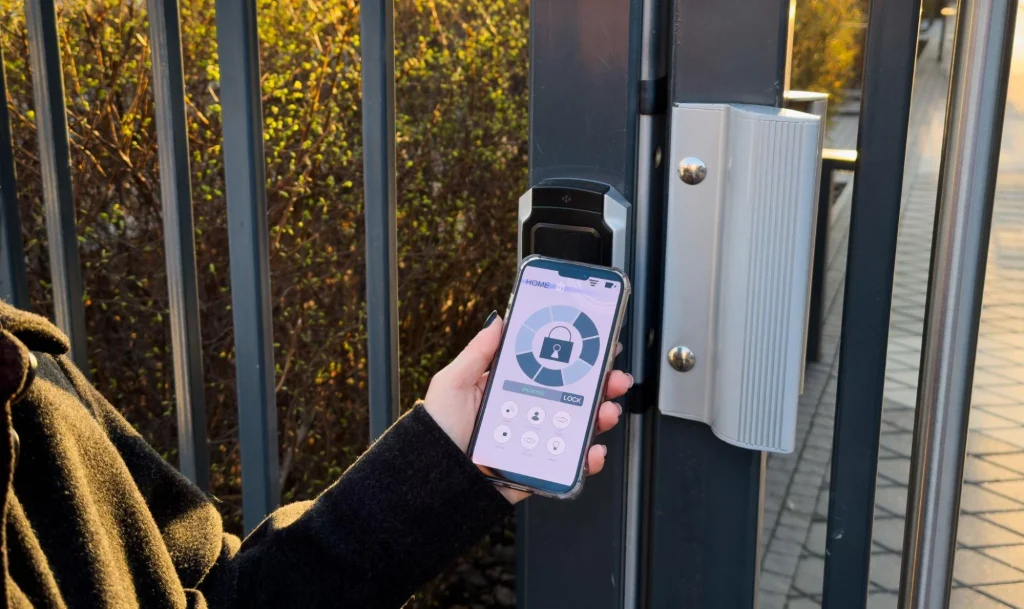
A visitor management system is a centralized digital solution that allows organizations to monitor, verify, and control visitor access across one or more facilities.
Its purpose is straightforward: to make sure every visitor is identified, authorized, and accounted for throughout the visit.
Traditional visitor logging often relies on paper sign-in sheets, front-desk notes, and temporary passes managed manually. These methods are slow, difficult to audit, and easy to bypass. A modern visitor management system replaces that process with structured digital workflows that improve visibility, consistency, and control.
For example, when a visitor arrives at a facility:
- The system records who they are and why they are there.
- It can confirm whether they were expected or pre-approved.
- It can assign access only to relevant areas.
- It can log their entry, movement, and departure for audit purposes.
In other words, visitor management is not just about check-in. It is about managing the full lifecycle of a visit.
How does a visitor management system work?
Modern visitor management systems use Surveillance alimentée par l'IA cameras connected to a remote video monitoring center via the cloud. Placed at optimal positions at kiosks, entrances, and access points, these cameras go far beyond passive recording. They actively verify, authorize, and monitor visitors in real time.
Here is how the process typically unfolds:
1. Visitor arrival:
The moment someone approaches your entrance, the system identifies them through cameras, sensors, or access control readers. Tools like intercoms, self-service kiosks, visitor management apps, and calendar integrations alert the appropriate staff or remote operators.
2. Registration and check-in:
The visitor provides details such as name, company, host, purpose of visit, and sometimes contact information or vehicle information. Some systems support pre-registration so this data is collected before the visitor arrives.
3. Identity authentication:
Depending on your security tier, authentication may involve ID scans (driver’s license, passport), QR code verification, biometric confirmation (reconnaissance faciale or fingerprint), or mobile credentials. Fast authentication confirms the visitor is exactly who they claim to be without slowing the flow of traffic.
4. Credentials issued:
In higher-security environments, the system issues time-limited visitor badges, digital passes, or temporary PIN codes. These credentials are tied to specific areas and automatically expire, preventing unauthorized lingering.
5. Host notification:
Once check-in is complete, the system notifies the receiving employee via email, SMS, or app push notification. Depending on your access control setup, the employee may be able to remotely unlock a door or gate to admit the visitor without being physically present.
6. Continuous monitoring and departure tracking:
caméras alimentées par l'IA track visitor movement throughout the premises. If a visitor enters a restricted area or overstays their authorized window, the system triggers an instant alert. At departure, visitors check out via exit scan, badge return, or automatic deactivation, completing the full audit trail.
Different types of visitor management platforms:
There is no single visitor management platform that fits every organization. Understanding the different types helps you choose the right foundation for your security needs.
Self-service registration kiosks:
Installed in reception areas, kiosks allow guests to check in and check out independently. Visitors follow on-screen instructions to enter their details and receive access credentials, reducing front-desk workload while maintaining a professional first impression.
Touchless visitor management systems:
Touchless systems allow visitors to request access using personal smart devices or biometric data. Guests typically pre-register via an app before arriving and use pre-issued credentials on arrival. This is ideal for high-traffic environments that prioritize hygiene and speed.
On-premises visitor check-in systems:
Electronic platforms managed via software installed directly on physical servers. All data is stored and secured on-site, offering maximum customization. This is a good fit for organizations with strict data sovereignty requirements.
Cloud-based guest management platforms:
Cloud-based solutions store visitor management tools and data on off-site servers accessible from anywhere. These platforms are flexible, scalable, and typically support integrations with additional cloud-based security devices. They are ideal for multi-site organizations.
Remote operator-managed systems:
An increasingly popular option: a 24/7 remote security monitoring command center manages visitor access on your behalf via live video, audio, and access control integration. No on-site guard or receptionist is required. This is particularly effective for gate access control, truck yards, and after-hours security.
Integrated visitor management solutions:
Integrated solutions combine visitor management with access control, video security, alarm systems, and building management functions. Data is shared across devices to support automated workflows and deliver a unified security picture.
Platform comparison: Which type is right for you?
Use this table to quickly identify which platform type best matches your organization’s size, security needs, and infrastructure.
| Platform Type | Meilleur pour | Deployment | Staffing Required | Adaptabilité | Compliance Strength |
|---|---|---|---|---|---|
| Self-Service Kiosk | High-traffic lobbies, corporate offices | On-site hardware | Minimal | Moyen | Moyen |
| Touchless / Mobile | Modern workplaces, hybrid offices | Cloud or app-based | Aucun | Haut | Moyen |
| On-Premises System | Government, finance, data centers | Local servers | IT team needed | Low to Medium | Haut |
| Cloud-Based Platform | Multi-site enterprises, growing businesses | Cloud (remote access) | Minimal | Very High | Haut |
| Remote Operator-Managed | Gates, yards, after-hours facilities | Cloud + hardware | None on-site | Haut | Very High |
| Integrated Solution | Large enterprises, campuses, critical infrastructure | Cloud + on-site | Security team | Very High | Very High |
Not sure which fits your organization? The remote operator-managed model is increasingly the go-to for organizations that need enterprise-grade security without the overhead of on-site staffing at every entry point.
Key features of visitor management software:
Choosing the right system is crucial for both security and operational efficiency. Here are the key features to prioritize:
- Pre-Registration: Allow visitors to submit their details in advance, reducing wait times and bottlenecks at entry.
- Contactless Check-In: Enable smartphone-based or biometric check-in to improve convenience and reduce physical touchpoints.
- Authorization Controls: Set role-based, time-limited, and area-specific access rules so sensitive zones stay protected by default.
- Authentication Methods: Support multiple options including ID scans, QR codes, facial recognition, and fingerprint verification to match your security tier.
- Verification and Watchlist Screening: Cross-reference visitors against internal watchlists, blocklists, and external databases before granting access.
- Departure Tracking: Trigger alerts for overstaying visitors, log check-out timestamps, and auto-deactivate credentials on exit.
- Badge Printing: Issue physical or digital badges at points of entry to communicate a visitor’s purpose to building occupants.
- Real-Time Notifications: Alert hosts and security personnel the moment a visitor arrives, or if any anomaly is detected.
- Scheduling and Calendar Integration: Support advance visit scheduling, room booking, and automatic credential provisioning tied to calendar events.
- Data Insights and Reporting: Analyze visitor volumes, peak traffic times, movement patterns, and occupancy data to optimize operations.
- Integration Capabilities: Ensure the system connects with your existing access control, CCTV, alarm, and building management platforms.
- Évolutivité : Choose a system that grows with you by easily adding new locations, access points, and users without a rip-and-replace overhaul.
- Compliance Management: Prioritize built-in tools for data privacy compliance, consent management, and secure data retention.
Common use cases and applications:
Visitor management systems serve a wide range of industries. Here are the most common applications and how each benefits.
Commercial office buildings:
A check-in system for offices manages guest access for on-site meetings, interviews, and contractor visits. Time-limited credentials restrict visitors to designated areas, and real-time logs ensure a full record of every person who enters the premises.
Hospitals and healthcare facilities:
A visitor management system for hospitals controls patient floor access, limits infection risk from unauthorized visitors, and provides contact tracing data if an outbreak occurs. It can also communicate protocols such as visiting hours, mask requirements, and floor maps at the point of check-in.
Schools and educational institutions:
School visitor management systems determine who is allowed in the building and when. Systems integrated with access control prevent unauthorized individuals from entering classrooms or restricted areas, and watchlist screening helps keep students safe from known threats.
Government buildings:
Government visitor management systems process visitors quickly while checking credentials against active watchlists automatically. Digital or physical visitor badges help security personnel identify legitimate guests as they navigate the facility.
Construction sites and industrial facilities:
Tripod turnstiles and robust check-in workflows verify that contractors and site visitors hold the right credentials and qualifications before accessing hazardous zones. Systems can enforce mandatory inductions or training sign-offs before granting entry.
Manufacturing and logistics environments:
Manufacturing visitor management systems limit access to production lines and storage areas based on roles. External visitors such as inspectors, trainers, and vendors can pre-register, receive temporary credentials, and be tracked throughout the site.
Multi-family residential and apartment buildings:
Residents receive personalized credentials for shared spaces, while guests and couriers can be granted temporary access via app-based passes. Amenity-booking integrations allow residents to reserve gyms, co-working spaces, or event rooms with automatic access provisioning.
Cultural institutions and event venues:
Visitor management systems streamline ticketing, enforce capacity limits, and log irregularities such as queue de peloton. Guests can purchase tickets in advance and check in via kiosk or smartphone for a frictionless experience.
Public libraries:
Library card systems integrated with visitor management apps allow members to request resources, access select areas, and manage returns from personal devices. Usage analytics help staff optimize scheduling and space allocation.
Why visitor management matters for security?
Visitor management is often treated as an administrative task, but it plays a direct role in physical security.
A well-designed system helps organizations:
- Reduce unauthorized access.
- Maintain real-time awareness of who is on-site.
- Support emergency response and evacuation accountability.
- Improve incident investigation with documented visitor records.
- Reduce reliance on manual sign-in procedures.
- Create a more consistent and enforceable entry process.
The core security value is visibility. If an organization cannot quickly determine who is in the building, who approved them, and where they were allowed to go, it is operating with unnecessary risk.
Hardware requirements:
Not every deployment requires the same hardware, but these are the most common components in a modern visitor management environment:
- Tablets or front-desk stations for staff use.
- Self-service kiosks for independent check-in.
- ID scanners for credential verification.
- Badge printers for physical visitor passes.
- Cameras for visual verification and event review.
- Intercoms or call stations for remote approval workflows.
- Access readers for QR codes, mobile passes, or temporary credentials.
- Turnstiles, gates, or controlled entry hardware where physical enforcement is required.
The right mix depends on the site type, security level, and desired visitor experience.
Does it integrate with your existing security systems?
Most organizations already have some combination of CCTV cameras, access control readers, and alarm systems in place. A visitor management system does not replace any of that. Instead, it connects to what you already have and fills the gap that traditional security tools leave open: managing people who are not employees.
When these systems share data, your security team stops switching between multiple platforms to piece together what happened. Every visitor event, from the moment someone presses an intercom button to the moment they exit the building, is visible in one place, with video, access logs, and visitor records all linked together.
With cctv / Vms (Video systems):
La surveillance vidéo à distance platforms connect directly to your existing cameras and video management system (VMS). Every visitor event such as gate calls, turnstile use, and door requests is viewed live and recorded. Visitor log entries are linked to specific video clips, providing visual proof of who entered, when, and under what authorization.
With access control / PACS:
The visitor system exchanges data with your physical access control system (cards, mobile credentials, PINs, gate relays). When an operator approves a visitor, the access control system opens the correct door, gate, or turnstile and logs it as a standard access event. Time-limited and area-limited permissions are enforced automatically.
With remote operators:
Remote operators use a unified interface displaying live video, access control events, and visitor details simultaneously. They can answer intercom calls, verify identity on camera, and trigger doors or gates from a single screen, effectively replacing on-site guards while following your custom visitor workflows.
With alarms and AI analytics:
When a visitor moves into unauthorized areas, AI video analytics trigger an instant alert. Forced doors, le vagabondage, and boundary breaches generate real-time notifications. Operators see the associated video and access events immediately and can respond without delay.
Unified logging and compliance:
Full integration produces a single audit trail combining visitor data, access events, and video footage. This simplifies incident investigations, supports compliance reporting (HIPAA, GDPR, SHIELD Act), and provides occupancy analytics across multi-site portfolios.
Can a visitor management system be remote?
Yes. Top-tier remote video monitoring companies operate visitor management entirely from a central command center, integrating video, audio, and access control without any on-site staff required.
Here is how a fully remote visitor management workflow operates:
Step 1: Visitor arrives at the gate.
A visitor approaches your gate, truck yard, parking lot, or commercial entrance. Cameras, call buttons, intercoms, or motion sensors trigger an automatic alert to the remote operator. No on-site kiosk is needed.
Step 2: Operator alerted.
A 24/7 command center receives the alert with a live video stream from your cameras. The operator visually assesses the situation, assessing vehicle type, time of day, and site risk level, before engaging via bidirectional audio.
Step 3: Dynamic workflow verification.
The operator follows your predefined workflows: verifying credentials through live audio interaction, cross-checking against watchlists, and confirming the visitor’s purpose before proceeding.
Step 4: Visitor accommodated.
Once verified, the operator remotely opens the gate via direct integration with your access control hardware (turnstiles, barriers, rising arms). Gate clearance serves as authorization. The operator logs the approval with a timestamp, video clip, and audio recording, all stored in the audit trail.
Step 5: Audit trail saved.
Full interactions are logged in auto auto-logs: video/audio files, workflow followed, decision rationale, entry time. Accessible via the Sirix portal for compliance (HIPAA/GDPR), evacuations, or reporting. Data encrypted with configurable retention; supports multi-site dashboards for commercial portfolios.
Step 6: Ready for the next visitor.
The operator resets instantly for the next interaction. The system stays armed; gates auto-lock per schedule to prevent tailgating or loitering. Continuous AI monitoring maintains proactive security between visitor events.
Different types of visitor entrance technologies:
The automated visitor management systems are applicable to a variety of entrance technologies and a wide range of industries.
Speedgate turnstiles:
In modern immeubles de bureaux, speedgate turnstiles offer a balance between convenience and controlled access. When visitors arrive, they scan a QR code, use a credential reader, or press an intercom to request entry. A camera captures the visitor’s image and sends it to a remote monitoring operator.
The operator reviews the request via live video and audio. If integrated systems are available, they may also verify biometric data or mobile credentials. Once the visitor’s identity and purpose are confirmed, the operator remotely activates the speed gate to open for that specific individual. This approach maintains fast entry flow while allowing security teams to dynamically adjust access levels based on organizational policies.
Fenced barriers:
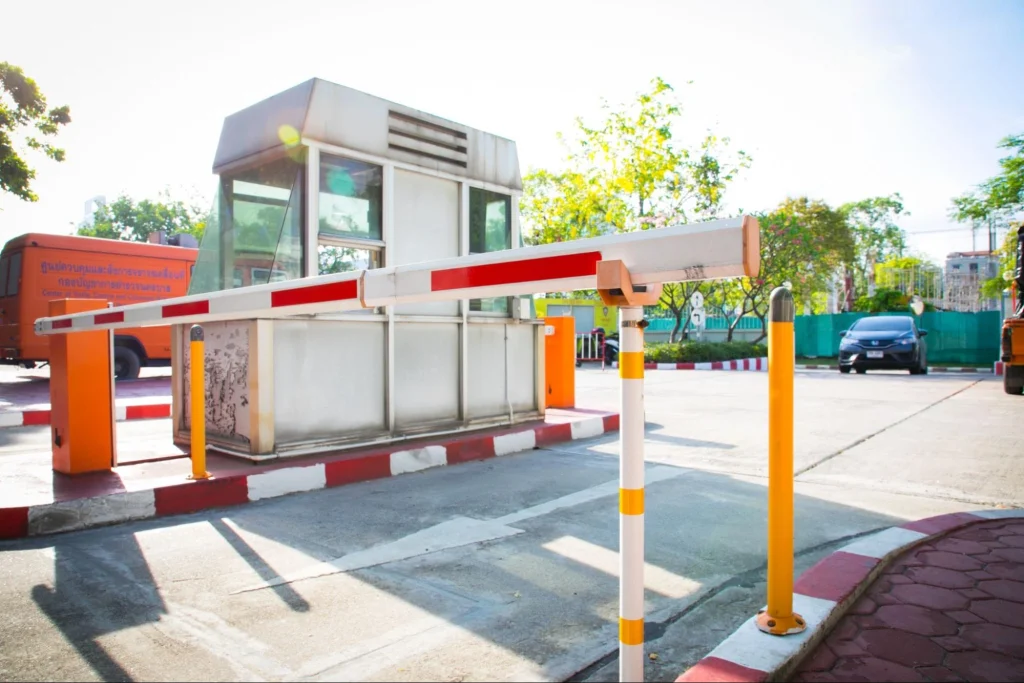
For the highest security perimeters, fenced sliding or rising barriers work with cameras and interphones. The operator performs strict verification steps, including checking IDs, manifests, schedules, and watchlists, and opens the barrier only when all conditions are met. Staff handle both pedestrian and vehicle entries this way, turning the barrier into a tightly controlled remote checkpoint with full video, audio, and event history.
Tripod turnstiles:
Many environments use tripod turnstiles when they need controlled yet practical access management. Les chantiers de construction, industrial facilities, and certain office entrances often rely on them because durability and simplicity matter most. Schools also widely use tripod turnstiles in visitor management systems.
For after-hours security, many schools across the United States are now turning to continuous monitoring as a safer add-on, helping detect and respond to unwanted activity or potential violence when staff are not on site.
Full-height security turnstiles:
Full-height turnstiles operate like a security checkpoint rather than a typical door. These systems are touchless visitor management systems and are used in environments where preventing tailgating and unauthorized entry is critical.
You can think of the access model as a simple security formula:
| Identity verification + credential validation + operator approval = controlled single-person entry |
Only after these conditions are satisfied does the system unlock the turnstile lane. The operator confirms the person through video and audio communication and may also verify badge scans or biometric data, depending on the facility.
Challenges and things to consider:
When implementing a visitor management system, it is essential to anticipate the following challenges:
- Compatibilité : Ensure the visitor management solution integrates with your existing access control and video systems. Siloed data creates redundancies, productivity loss, and security gaps. Complex integrations may require a professional integrator.
- Data Privacy: Visitor data is subject to strict regulations depending on your industry and jurisdiction, including GDPR, HIPAA, and the SHIELD Act. Systems must store data securely, limit access to authorized personnel, and support audit trails that demonstrate compliance.
- User Adoption and Training: Even the most capable system fails if staff don’t use it correctly. Invest in intuitive UI selection and provide thorough onboarding to maximize adoption across reception, security, and management teams.
- Personnalisation : Every organization has unique workflows. Ensure your system can be configured to reflect your specific access rules, visitor types, approval hierarchies, and escalation procedures.
- Maintenance and Updates: Cyber threats evolve continuously. Prioritize systems that deliver automatic software updates and feature rollouts so you are always running the most secure, current version.
- Budget : Costs vary significantly based on number of locations, visitor volumes, hardware requirements, and feature tiers. Factor in both software licensing and hardware costs such as cameras, kiosks, badge printers, and turnstile integration when building your business case.
Latest technology trends in visitor management:
Cloud-based solutions:
Cloud-based visitor management platforms reduce on-site infrastructure, offer greater scalability, and allow administrators to manage visitor data from any location. Pre-registration and remote check-in capabilities further reduce lobby wait times.
Mobile solutions:
Organizations are increasingly replacing paper forms and physical badges with mobile credentials. Visitors check in via their own smartphones using a touchless workflow, improving convenience while reducing costs associated with physical token management.
Artificial intelligence (AI):
AI is playing an expanding role in visitor management: from behavioral analytics and facial recognition to watchlist screening and automated check-in flows. AI-enabled systems detect anomalies in real time and can distinguish between authorized visitors and potential intruders before an incident escalates.
Touchless technology:
Post-pandemic, touchless check-in has moved from a preference to an expectation. Biometric authentication, QR codes, and mobile credentials eliminate physical contact at access points without sacrificing security or guest experience.
Remote video monitoring integration:
The integration of visitor management with 24/7 remote monitoring centers is one of the most significant trends of 2026. It combines Surveillance alimentée par l'IA with human judgment, delivering enterprise-grade security without the cost of on-site staffing at every entry point.
Advantages of a visitor management system:
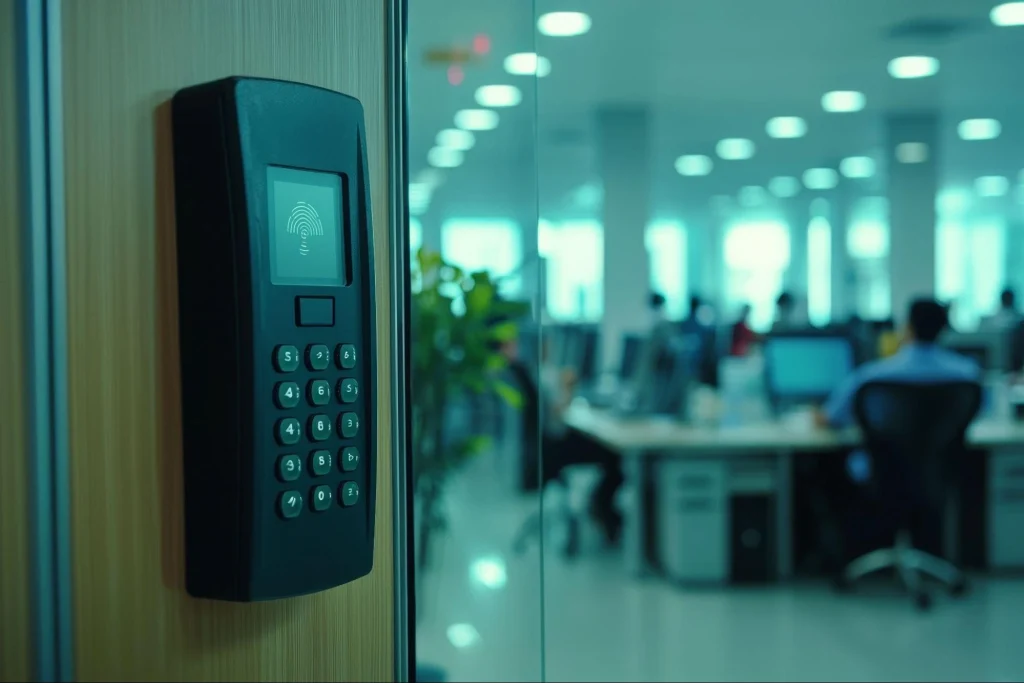
The system authorizes the visitor to enter the premises while using advanced technology to ensure compliance, reduce human error, and create a seamless visitor experience.
- Protect your business around the clock.
- Stay compliant and avoid legal headaches.
- Run operations more smoothly and faster.
- Make your brand stand out effortlessly.
- Turn visitor data into smart business moves.
1. Protect your business around the clock:
An uncontrolled or poorly managed visitor access system exposes businesses to theft, sabotage, or workplace violence. An electronic visitor management system ensures that every guest is identified, logged and verified before entering the premises.
2. Stay compliant and avoid legal headaches:
Privacy laws across the United States impose strict requirements on how organizations handle data. For example, the Stop Hacks and Improve Electronic Data Security Act (SHIELD Act) mandates robust safeguards for electronic information. Maintaining accurate visitor logs not only creates a clear audit trail in the event of an incident, but also helps organizations demonstrate compliance and avoid potential penalties.
3. Run operations smoother and faster:
Manual sign-ins, paper logs, and ad hoc approvals slow down visitor processing. Automated visitor management systems streamline check-in, pre-register guests and integrate with access control, saving time for both reception staff and visitors.
4. Make your brand stand out effortlessly:
First impressions matter. Modern visitor management systems streamline the check-in process with self-service kiosks and pre-registered badges, reducing wait times and friction. At seminars, workshops, and summits, this efficiency enhances the overall experience and reinforces a professional, polished brand image.
5. Turn visitor data into smart business moves:
Tracking visitor patterns allows businesses to identify peak traffic times, monitor frequently visited areas and optimize resource allocation. These insights also support emergency preparedness, evacuation planning and occupancy management.
Buyer’s checklist: How to choose the right visitor management system?
Use this checklist when evaluating visitor management solutions for your organization:
- Intégration : Does it connect with your existing access control, CCTV, and alarm systems?
- Authentication Options: Does it support the identity verification methods your security policy requires (biometrics, ID scan, QR code)?
- Cloud vs. On-Premises: Does the deployment model match your infrastructure preferences and data sovereignty requirements?
- Remote Management: Can administrators and security teams manage the system from any location?
- Évolutivité : Can it grow with you across new sites, new access points, and higher visitor volumes without a major overhaul?
- Compliance Tools: Does it include consent management, data retention controls, and audit log export for regulatory compliance?
- Visitor Experience: Is the check-in process fast, intuitive, and appropriate for your visitor types (contractors, clients, deliveries)?
- Watchlist Screening: Does it automatically cross-reference visitors against internal and external threat databases?
- Reporting and Analytics: Does it provide actionable data on visitor volumes, movement patterns, and peak access times?
- Support and Updates: Does the vendor offer reliable customer support and automatic software updates?
Questions Fréquemment Posées :
What is a visitor management system?
A visitor management system is a technology-driven solution that identifies, authorizes, tracks, and logs every person entering a facility. It replaces paper sign-in sheets with digital workflows that integrate with access control, video security, and compliance reporting systems.
How much does a visitor management system cost?
Costs vary depending on the number of locations, visitor volumes, hardware requirements (cameras, kiosks, badge printers), and feature tiers. Cloud-based systems often offer subscription pricing that scales with your needs, while on-premises solutions may involve higher upfront hardware and installation costs.
Can a visitor management system be used remotely?
Yes. Cloud-based and remote operator-managed systems allow administrators and security teams to manage visitor access, review logs, and approve or deny entry from any location, without on-site staff at every entry point.
How does a visitor management system integrate with access control?
The visitor system exchanges data with your physical access control platform. When a visitor is approved, the system automatically opens the correct door, gate, or turnstile and logs the event. Time-limited, area-specific credentials are enforced automatically and deactivated at departure.
What is the difference between visitor management and access control?
Access control governs secure entry for credentialed users such as employees, contractors with permanent badges. Visitor management focuses on the full lifecycle of a guest visit: registration, authentication, movement tracking, and departure logging. Modern systems integrate both functions into a unified security platform.
How does a visitor management system help during emergencies or lockdowns?
Visitor management systems provide real-time occupancy data, giving you a complete list of who is on-site at any moment. This is critical for evacuations and lockdowns. Automated communications can alert visitors to emergency procedures instantly.
Is visitor management software cloud-based or on-premises?
Both options exist. Cloud-based systems offer flexibility, scalability, and remote access without complex on-site infrastructure. On-premises systems offer greater customization and local data control. Many organizations opt for cloud-based platforms for their lower operational overhead and multi-site management capabilities.
How do visitor management systems protect visitor data?
Leading platforms include multiple layers of protection: data encryption, role-based access controls, consent management workflows, configurable data retention policies, and detailed audit logs that demonstrate compliance with regulations such as GDPR and HIPAA.
Can visitor management systems handle high-traffic environments?
Yes. Systems designed for truck yards, manufacturing facilities, and large commercial campuses are built to handle high throughput, with remote operators resetting rapidly between interactions and AI monitoring maintaining continuous coverage between visits.
Conclusion
Visitor management systems are now a practical part of modern facility operations, especially for organizations that need stronger security, clearer audit trails, and a more efficient visitor experience.
In 2026, the strongest solutions are not defined by a single feature. They stand out because they combine effective check-in workflows, flexible identity verification, controlled access, integration with existing systems, and reporting that supports both operations and compliance.
The best choice depends on your environment. A corporate office, healthcare facility, school, logistics yard, and enterprise campus may all require different workflows and deployment models. By evaluating your visitor volume, security priorities, compliance needs, and integration requirements, you can choose a platform that fits your current operations and future growth.
Ready to evaluate the right fit for your facility? Contactez-nous for a demo and explore how modern visitor management can support your security, compliance, and operational goals.