Sirix Camhealth
Blurred
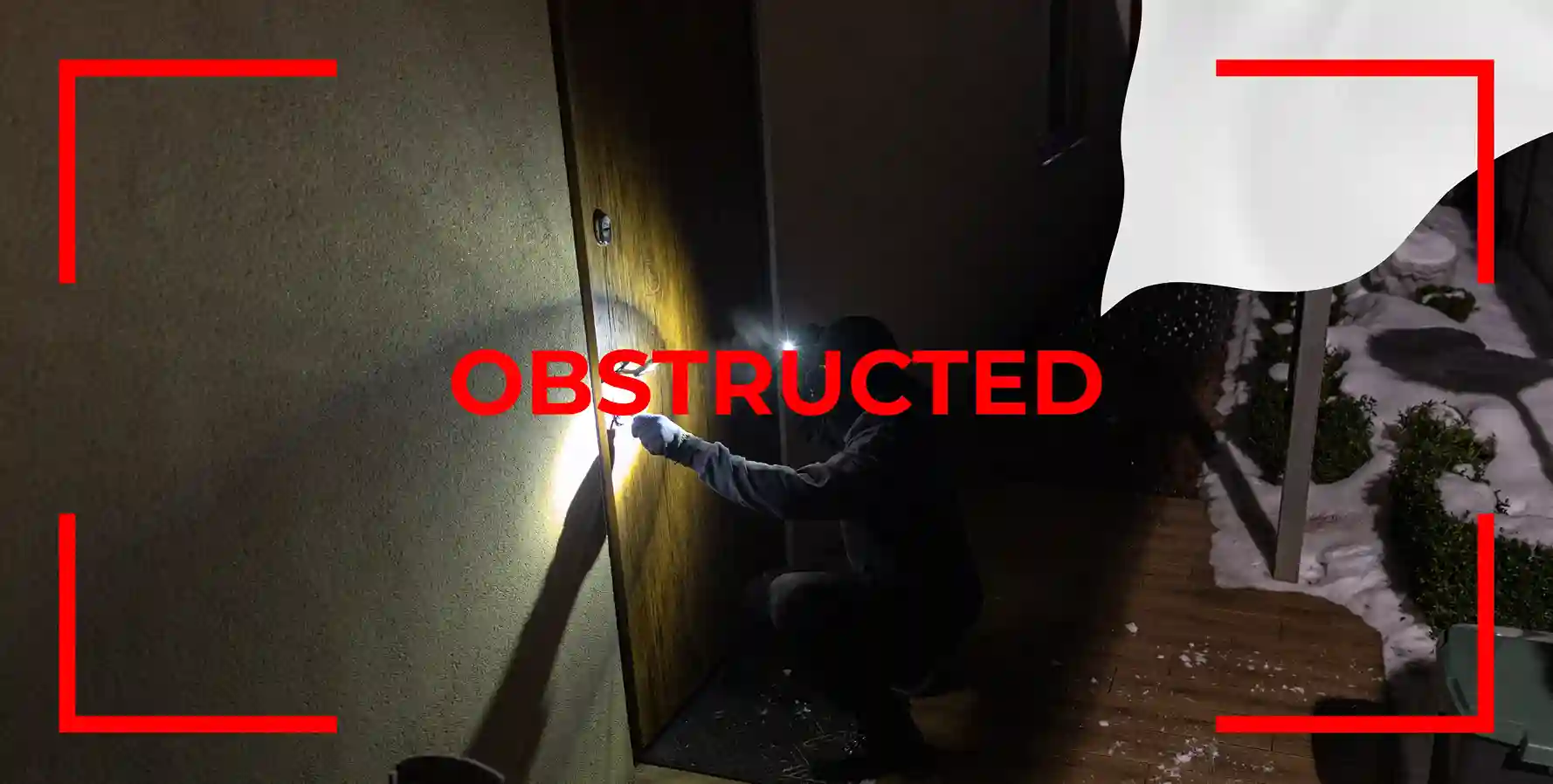
Obstructed
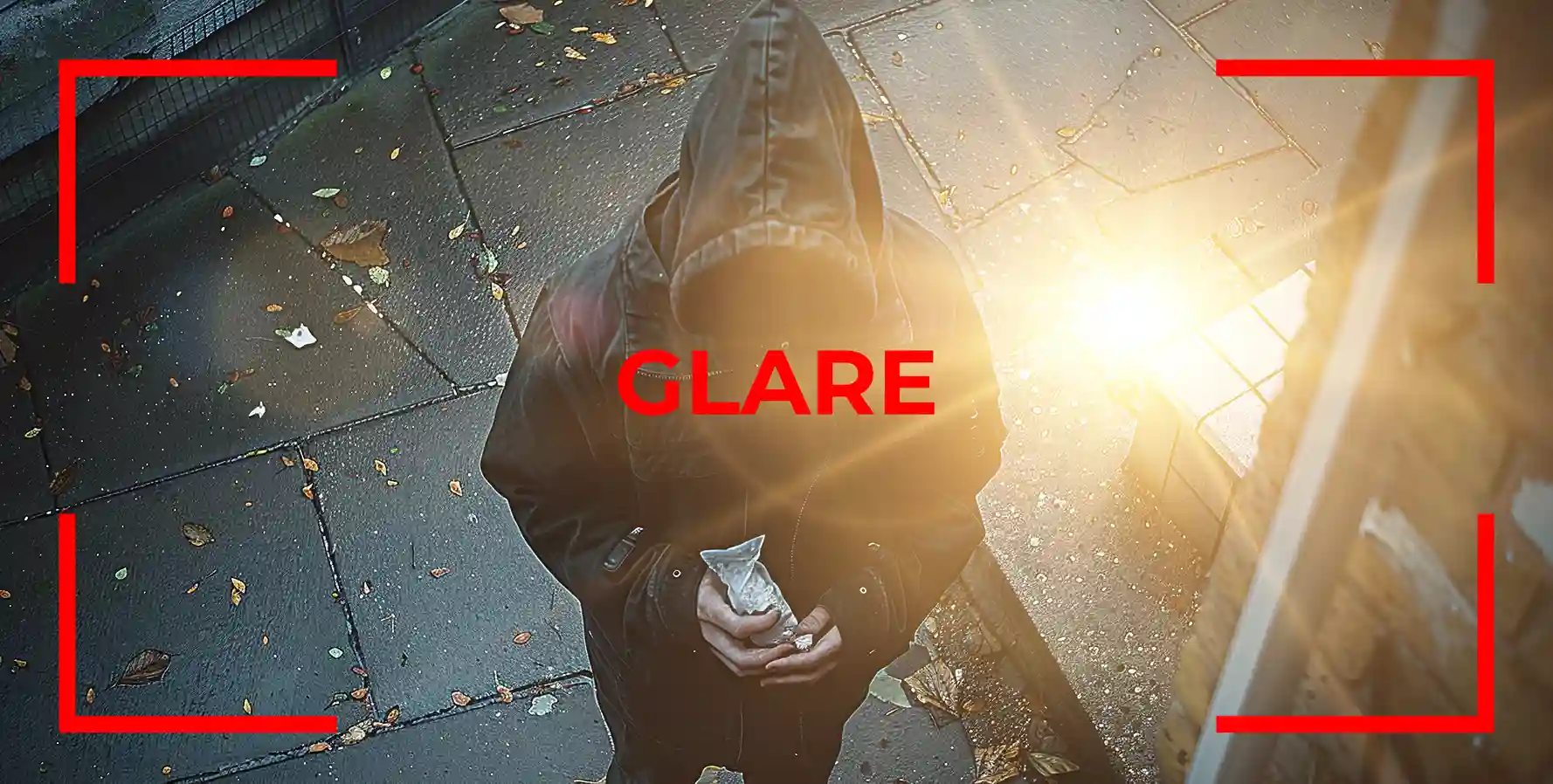
Glare
Low Light
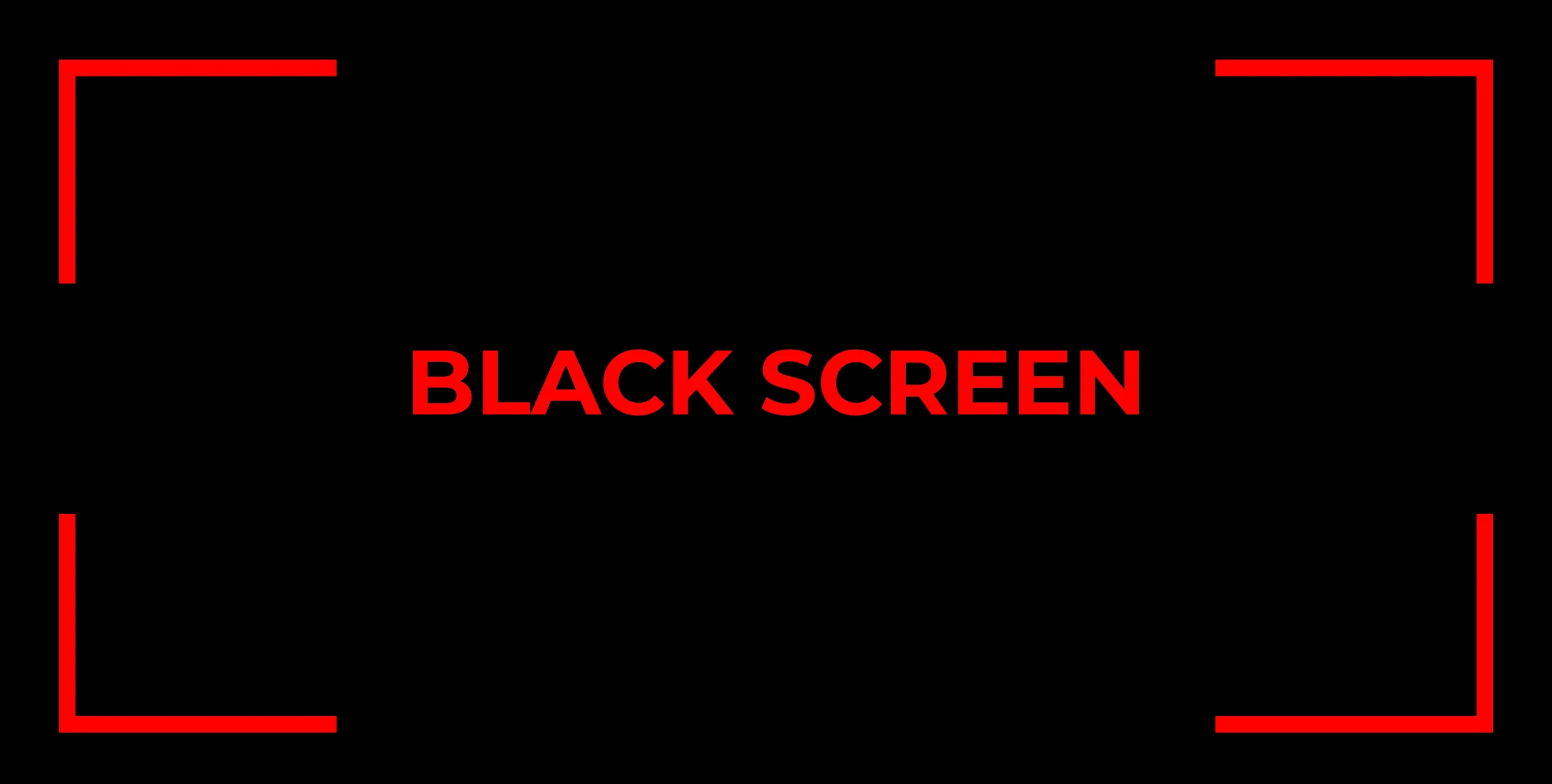
Black Screen
Tampered
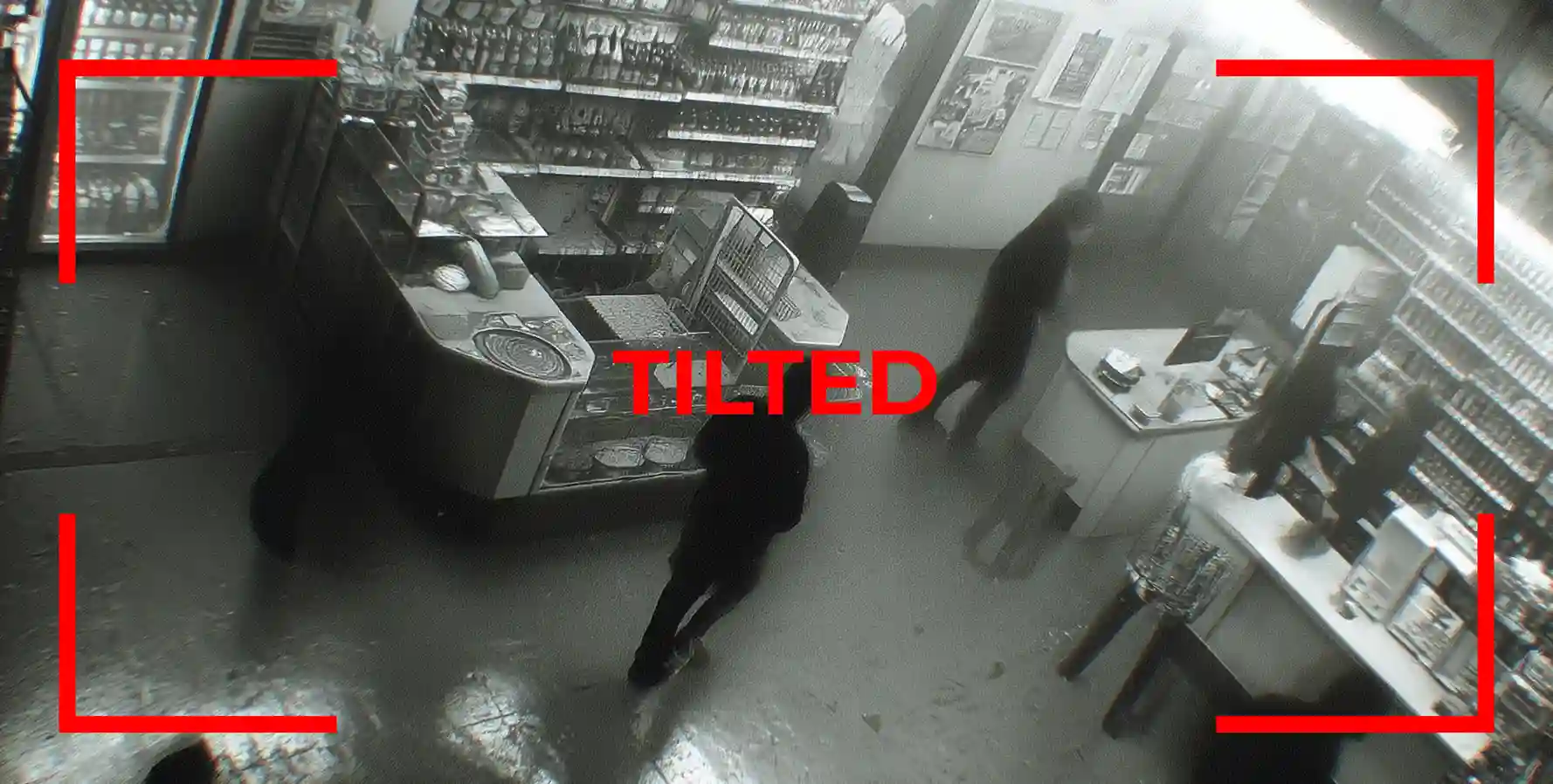
Tilted
Offline
Glitch
Proactive AI diagnostics for every camera in your fleet. Catch blind spots, degraded feeds, and silent failures the moment they happen, so your security coverage stays airtight, auditable, and ready when it matters.
Camhealth dashboard.
Camhealth spots the problem. FreshDesk creates the ticket. The right service team gets assigned.
A camera health issue is flagged instantly.
The issue becomes a trackable service ticket.
The right team gets the details and can act fast.
REFERENCE IMAGE
Set day and night reference images for each camera. Camhealth spots real changes: a shifted angle, a blocked view, a camera no longer covering the right area.
SILENCE ERRORS
Some issues are expected. Cam Health lets your team silence known errors so the dashboard stays focused on real problems only.
ONE CLICK TICKET
Send camera issues to the right team. Routed, tracked, and moved toward resolution through FreshDesk or your own platform.
STATUS HISTORY
Camhealth records every status change. See when the issue started, when it recovered, and whether the same camera keeps failing again.
VERIFICATION TIMING
Set how often each camera is verified. Gates, entrances, and loading docks get faster checks. Lower-risk views do not create unnecessary noise.
Every site is different. Camhealth adapts to yours.
Tell each camera what to watch, what to ignore, and what to flag, in plain language your team already uses. No technical setup. Just instructions that match how your site actually works.
Set exactly what each camera should cover. Camhealth checks that the view stays correct around the clock.
Known activity, expected conditions, and low-risk areas stop creating noise so your team focuses on real problems.
When something changes that should not, your team knows immediately, with the context to act fast.
Not every camera fails the same way. Camhealth comes with the most common error types built in. Your team can add, adjust, and refine detection rules based on what actually affects your site.
If a condition can affect what your camera sees, your team can create an error type for it. Start with the defaults. Add more as your environment demands it.
CAMERAS
Fail silently every year: blurry views, misalignment, or a full outage.
Most go unnoticed until it is too late. Camhealth catches them all, before they cost you.
Always checking
Every camera, every site, around the clock
Custom AI instructions
Tell each camera what to watch, flag, or ignore
To open a ticket
Detection routes straight to the right team
Tell us about your cameras and sites. We will show you exactly how Camhealth fits your operation.
We will use this to send your tailored demo details.
Still have questions? Reach out and a Sirix specialist will get back to you.
About Camhealth
Cam Health is a live dashboard that lets you check camera health across every site you manage, continuously and automatically. It uses AI to detect issues like offline feeds, black screens, blurry images, blocked views, tampering, tilted angles, glare, and low light. The moment something is wrong, your team gets alerted so problems get fixed before footage is lost.
No, Cam Health is a camera health monitoring system that works with your existing cameras and security infrastructure. There is no new hardware to install, no IT team required, and no disruption to your current setup. If your cameras are already connected to a network, you can be up and running in minutes.
Manual checks happen once in a while. Cam Health provides health check monitoring that runs continuously, 24 hours a day, 7 days a week, on every camera. It catches issues the moment they happen, not during the next scheduled inspection. It also keeps a full history of every status change, so your team can see when a problem started, how long it lasted, and whether the same camera keeps failing.
The moment an issue is detected, Cam Health flags it on the dashboard and sends an alert to the right team. You can open a Freshdesk service ticket with one click, routed automatically so the right technician or service partner gets notified and can act immediately. No chasing, no guessing who handles it.
Yes, Cam Health lets you set custom AI instructions for each camera, telling it what to watch, what to ignore, and what to flag. You can also set day and night reference images so Cam Health knows what the correct view should look like for each camera. If a camera shifts angle or gets blocked, Cam Health knows immediately because it has a clear baseline to compare against.
Cameras, sites and operations
A health surveillance and monitoring system like Cam Health can detect a wide range of issues including offline feeds, frozen or stuck video streams, black screens, blurry or out of focus images, camera tampering, tilted or shifted angles, lens obstruction from spray paint or objects, glare from sunlight or headlights, low light and underexposure, fog or condensation on the lens, and weather related visibility loss. Cam Health covers all of these and lets your team add custom error types specific to your site.
Camera systems fail more than most people expect. A reliable camera health monitoring system eliminates blind spots by checking every camera continuously and alerting your team the moment a problem appears. For security dealers and operators, it reduces manual inspection time, improves service response speed, and gives customers proof their cameras are actively maintained. Automated monitoring also builds a full service record that protects your team and your clients.
Yes, Cam Health is purpose built for security dealers and integrators who need health surveillance and monitoring across multiple sites and clients. A single login gives you the health status of every camera across every site you manage. When an issue is detected, tickets are routed to the right technician or dealer team automatically, making service faster and more accountable for every client you serve.
Most camera systems give you no real time visibility into whether cameras are delivering usable footage. The only way to truly check camera health is with a system that monitors image quality, not just connectivity. A camera can appear online while showing a blurry, blocked, or tilted image that makes footage worthless. Cam Health shows you the live health status of every camera, Healthy, Error, Offline, Paused, or Unknown, so you always know exactly what is working and what needs attention.
Camera uptime monitoring only tells you whether a camera is connected to the network. Health check monitoring goes further. It checks whether the camera is actually delivering clear, correctly positioned, and useful footage. A camera can be online and still have a blocked lens, a shifted angle, a fogged view, or a frozen frame. Cam Health monitors both uptime and image quality, giving you a complete picture of whether your cameras are truly protecting your sites, not just appearing to.
Still have a question? Talk to a Sirix specialist.